How to Create a Social Media Posting Schedule for Multiple Platforms Without Getting Overwhelmed
October 25, 2026
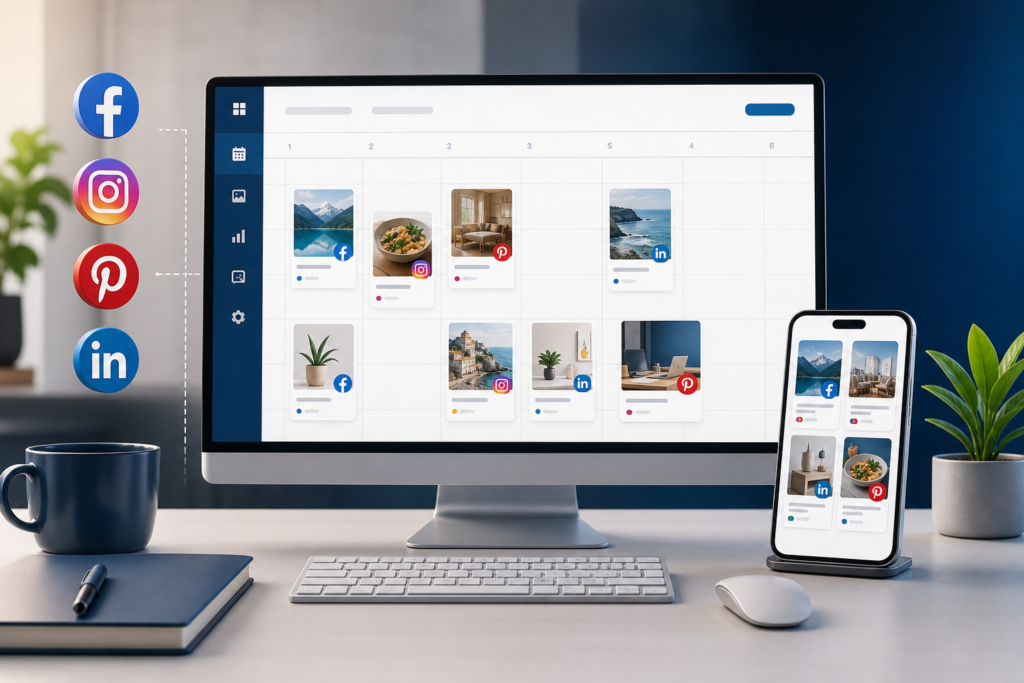
Managing Facebook, Instagram, Pinterest, and LinkedIn at the same time can quickly become confusing. Many businesses start with good intentions, then fall into last-minute posting, inconsistent activity, and repeated content that does not fit each platform well. A clear social media posting schedule helps you stay organized, reduce stress, and publish more consistently without spending every day deciding what to post.
This guide explains how to build a practical posting schedule for multiple platforms, even if you are a beginner or working with limited time. You will learn how to choose posting frequency, organize content by platform, and avoid the common mistakes that make social media management harder than it needs to be.
Why a Multi-Platform Posting Schedule Matters
Each social network works differently. LinkedIn often favors professional and educational content, Pinterest depends heavily on searchable visuals, Instagram benefits from strong visuals and consistent branding, and Facebook Pages can work well for community updates, offers, and useful business content. Posting the same thing everywhere without a plan usually leads to weaker results and a disorganized workflow.
A schedule gives you structure. It helps you plan ahead, spread your effort across the week, and keep your brand active without relying entirely on memory or daily inspiration.
Step 1: Choose the Platforms That Actually Matter
Before building a schedule, decide which platforms deserve regular attention. You do not need to publish everywhere just because the networks exist. Focus on the places where your audience is most likely to pay attention to your business.
Ask these questions first
- Which platforms match your business type?
- Where do your customers already engage with similar brands?
- What kind of content can you realistically create each week?
- Which networks support your business goals, such as visibility, traffic, inquiries, or trust?
For example, a consultant may focus on LinkedIn and Facebook, while an online shop may prioritize Instagram and Pinterest. A local business may find Facebook more useful for announcements and community connection than Pinterest.
Step 2: Set a Realistic Posting Frequency
One of the biggest mistakes in social media scheduling is creating a plan that looks impressive but is impossible to maintain. A better schedule is one you can keep for months, not just for one ambitious week.
Start with manageable frequencies
- Facebook Page: 2 to 4 posts per week
- Instagram: 3 to 5 posts per week
- Pinterest: several fresh Pins spread through the week
- LinkedIn: 2 to 4 posts per week
These are not rules. They are starting points. If you can only manage two strong posts per week on one platform, that is often better than publishing daily low-value content.
Step 3: Create Content Categories for Easier Planning
Instead of inventing every post from scratch, build a few repeatable content categories. This makes planning faster and keeps your feed balanced between helpful, engaging, and business-related content.
Useful content categories
- Educational tips
- Behind-the-scenes updates
- Product or service highlights
- Frequently asked questions
- Customer problems and solutions
- Seasonal or timely content
- Testimonials or social proof, if available and genuine
- Website content promotion
For example, a weekly schedule might include one educational post, one promotional post, one audience question, and one behind-the-scenes update. This creates variety without making your planning complicated.
Step 4: Match Content Types to the Right Platform
Not every post belongs everywhere in the same format. A better approach is to adapt one idea across platforms instead of copying the exact same message word for word.
Simple example of one topic adapted four ways
- Facebook: a short business update with a helpful explanation and discussion prompt
- Instagram: a branded visual with a concise caption
- Pinterest: a vertical graphic linked to a blog article or product page
- LinkedIn: a more professional insight with a practical takeaway
This method saves time while still respecting the differences between platforms.
Step 5: Build a Weekly Scheduling Template
A template helps you avoid decision fatigue. You do not need to schedule every week from zero. Create a basic pattern, then swap topics and formats as needed.
Example weekly template
- Monday: educational content on LinkedIn and Facebook
- Tuesday: Instagram visual post
- Wednesday: Pinterest fresh Pins from blog or product content
- Thursday: audience-focused tip or question on Facebook and Instagram
- Friday: LinkedIn insight or business reflection
- Weekend: light evergreen content or no posting, depending on your audience
This is only a framework. The goal is consistency and clarity, not rigidity.
Step 6: Batch Your Content in Advance
Batching means preparing several posts in one session instead of handling them one at a time every day. This is one of the simplest ways to make social media management less stressful.
A practical batching process
- Choose next week’s topics.
- Write all captions in one session.
- Create or gather visuals.
- Adjust each post for the platform where it will appear.
- Load everything into your publishing schedule.
- Review dates, links, and formatting before finalizing.
Even setting aside one or two hours per week for batching can create a much smoother workflow.
Common Mistakes to Avoid
- Posting too often just to appear active
- Using identical captions across all networks
- Ignoring platform differences
- Scheduling too far ahead without reviewing relevance
- Leaving no room for timely updates or responses
- Building a plan that depends on daily last-minute work
A schedule should simplify your work, not trap you in an unrealistic routine.
Best Practices for a More Sustainable Workflow
Leave space for flexibility
Your content calendar should include structure, but also room for real-time updates, holiday adjustments, or unexpected business news.
Review performance regularly
Look at basic platform-native insights to see which topics, formats, and posting times seem most useful. You do not need advanced analytics to notice patterns such as stronger engagement on educational posts or better clicks from Pinterest content.
Reuse strong ideas responsibly
If a topic performed well, revisit it in a new format later. A blog article can become an Instagram carousel idea, a LinkedIn post, a Facebook tip, and several Pinterest graphics over time.
How Sphedora Can Help Your Business Grow
Creating a social media posting schedule for multiple platforms becomes much easier when your planning and publishing process is organized in one place. Sphedora is designed to help businesses simplify social media scheduling, manage content more efficiently, and maintain more consistent publishing across supported platforms.
In the context of multi-platform scheduling, Sphedora can help you prepare posts in advance, organize your weekly or monthly content plan, and reduce the repetitive manual work involved in logging into different networks separately. That kind of structure can save time and help teams or solo business owners focus more on content quality and customer communication.
There is also a practical business benefit. When social media work becomes more organized, businesses can spend less time on administration and more time on marketing activities that support visibility, website visits, inquiries, and long-term customer relationships. Better efficiency does not guarantee commercial results, but it can improve productivity and make organic marketing more sustainable.
For example, a small online shop could use Sphedora to prepare a week of Pinterest, Instagram, Facebook, and LinkedIn content in advance, align product highlights with educational posts, and keep publishing consistent during busy sales periods. That can help the business stay visible without requiring constant manual posting every day.
If you want a more structured way to manage your social media schedule, explore https://sphedora.com/ and see how Sphedora can help simplify your publishing workflow.
Final Thoughts
A successful social media posting schedule is not the busiest one. It is the one you can maintain consistently while creating useful content for the right audience. Start with fewer platforms, choose a realistic frequency, use repeatable content categories, and batch your work in advance. Over time, you can refine your schedule based on what fits your business and what your audience responds to best.
If your current process feels scattered, a simple structured schedule may be the change that makes social media management more practical and less overwhelming.
https://sphedora.com/